
Go to https://management-hello.uniserve.com:8887/login
Use the login credentials for Portsip one admin
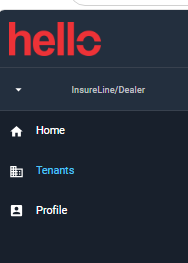
Click Tenants > choose which tenants > example (InsureLine Brokers (Select)
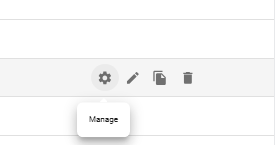
Click the gear icon "Managed" in the left side
Click Advanced > Click Role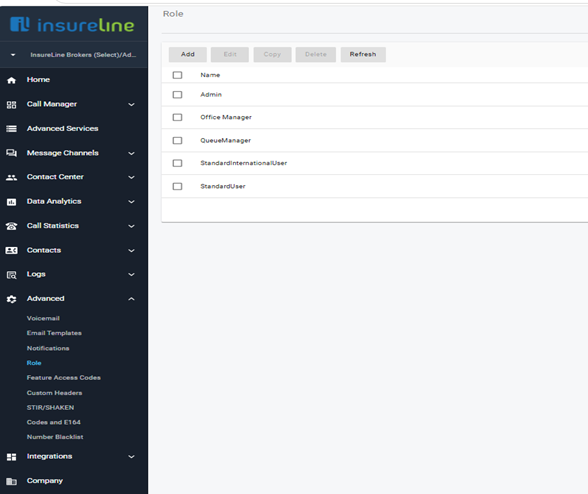
In that tab click add > Input the name - Description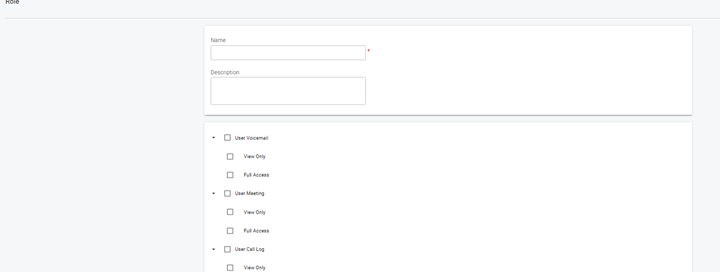
We just need to copy the Queue Manager Role
Here's the screenshot of the permission with Queue Manager Role
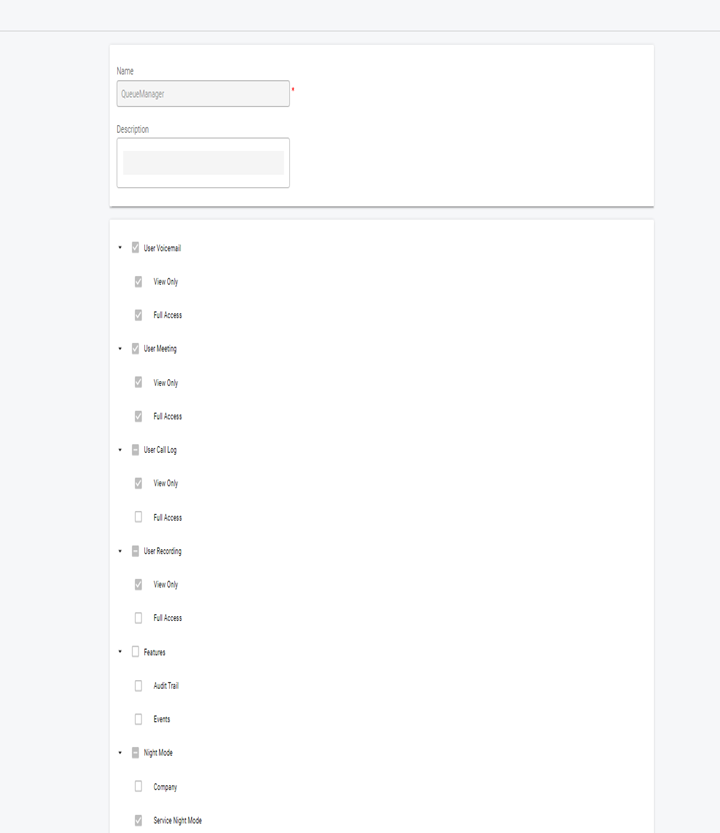


After Selecting click "OK"
The role that you have created has been save next steps is to assign it to a user that wants to have access to the Dashboard
Click > Call Manager > User > look for the user account that needs access
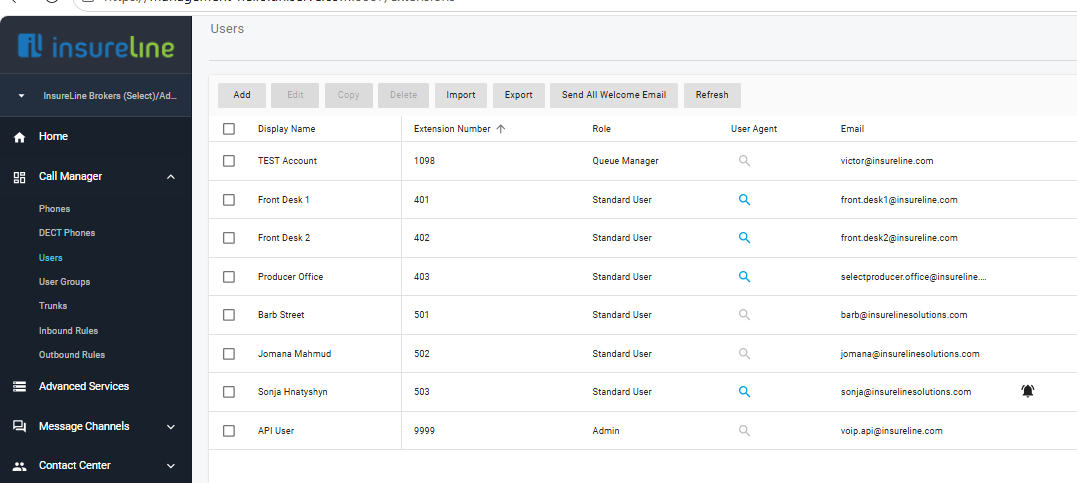
For this test I will just select the test account for example
Check the small box > then click edit

Click the Role TAB > select the Role that you have created for the queue Manager"
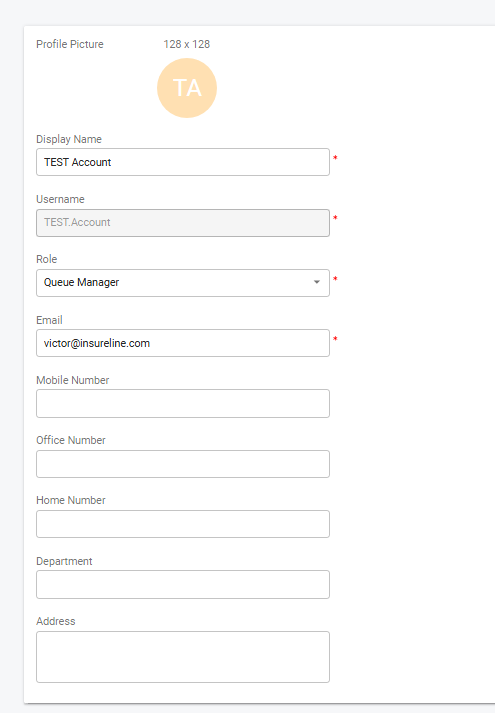
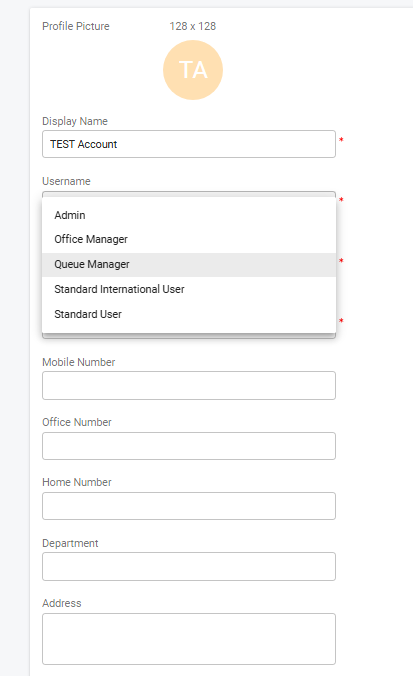
Click " OK" and it's all good now