Go to https://management-hello.uniserve.com:8887/login
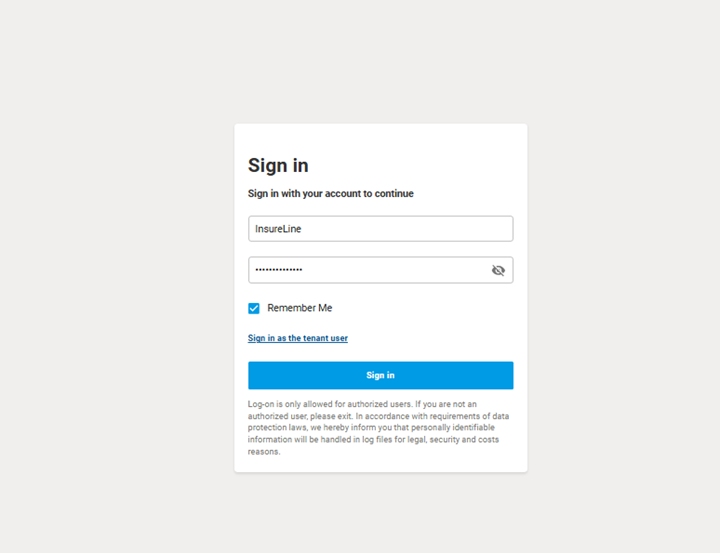
Click “Sign in as the tenant user > Enter the SIP domain
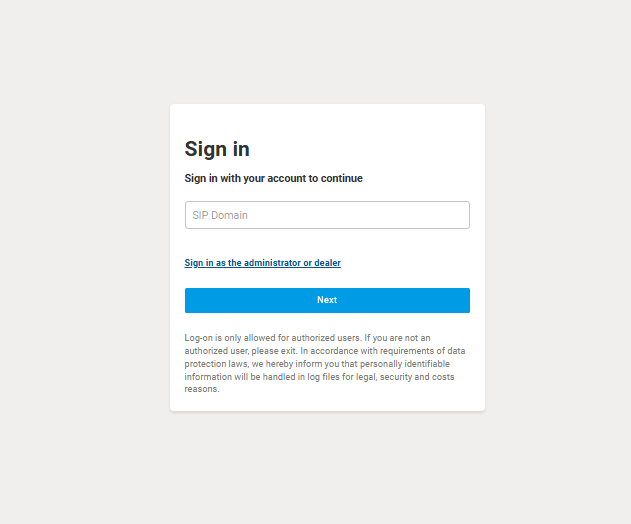
You can see the SIP domain if you click “Tenant” into the PortSIP admin account
Here’s the list of SIP domain that you can use:
| InsureLine Brokers (Alder) | alder.insureline.com | |||
| InsureLine Brokers (Anchor) | ||||
| InsureLine Brokers (Blue) | ||||
| InsureLine Brokers (Clear Cut) | ||||
| InsureLine Brokers (Clover) | ||||
| InsureLine Brokers (Connect) | ||||
| InsureLine Brokers (Enterprise) | ||||
| InsureLine Brokers (Icon) | ||||
| InsureLine Brokers (Mutual Aid) | ||||
| InsureLine Brokers (Pearl) | ||||
| InsureLine Brokers (Platinum) | ||||
| InsureLine Brokers (Rangeland) | ||||
| InsureLine Brokers (Select) | ||||
| InsureLine Brokers (Select) - Veda | ||||
| InsureLine Brokers (Viva) |
For Example I will use InsureLine Brokers (Select)
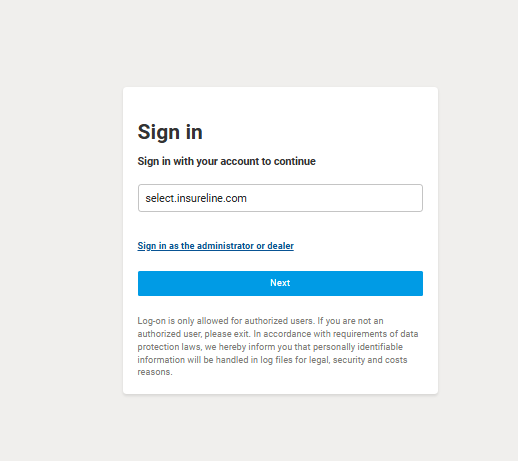
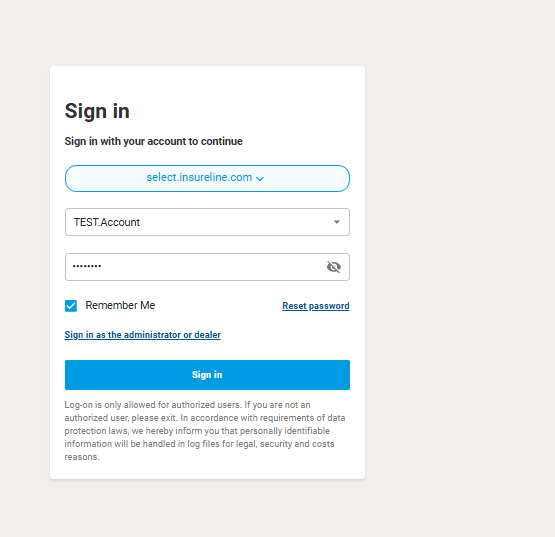
I will type “select.insureline.com” into the SIP Domain box like this > then click next
Input the username and password
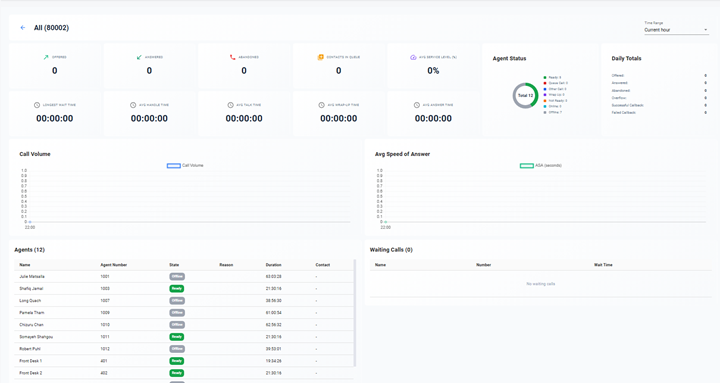
If the user wants to see the over all call they just need to click > Contact Center > Wallboard
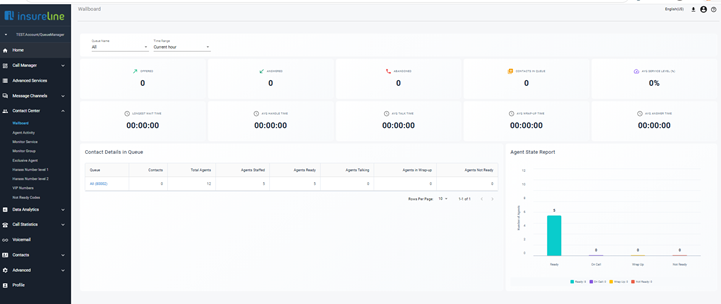
Click > All “8002”

In that tab you can see a lot of statistics